Theme
Products & Services
NNG Connected Services
Live data in the navigation, licensed per service, safe when the signal drops.

NNG Connected Services
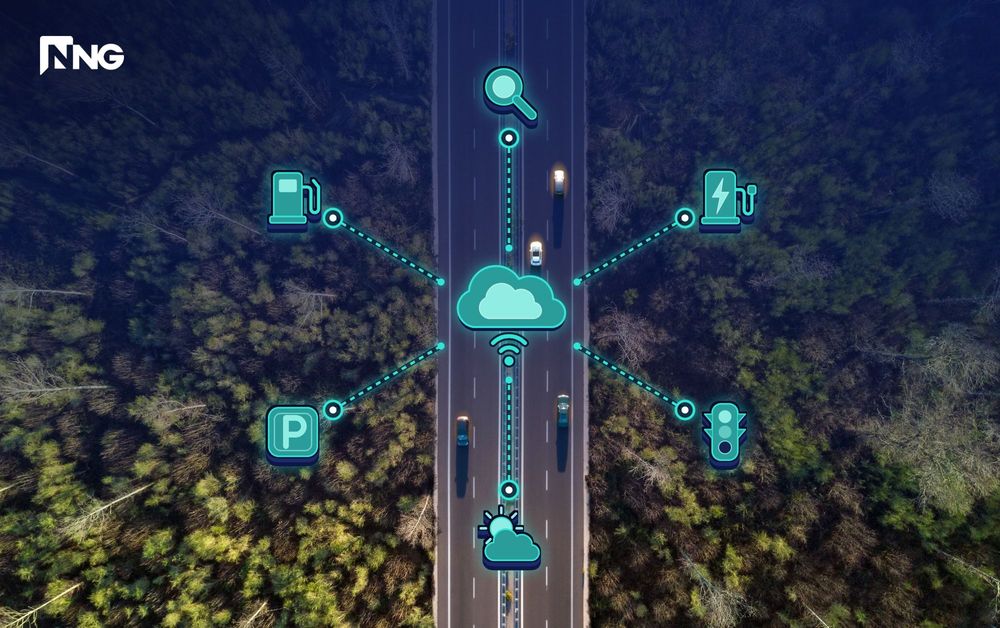
Six services, one backend
All six run through NNG’s cloud backend and appear in the navigation’s own screens, so drivers use them inside guidance. Which services a vehicle has is set by the program’s licenses.
Find and decide

Online search
Global one-box search across addresses and places, with keyword suggestions produced on the device. Offline search takes over whenever the service is out of reach.
Fuel with prices
Stations along the route or around the vehicle, with prices color-coded against the cheapest found, for the fuel types configured for the vehicle model.
Parking with availability
Off-street car parks with availability and pricing around the destination, offered on approach, with the walk from the car park to the destination planned.
Charging with vacancy
Stations along the route the vehicle can reach with a limited detour, filtered to its connector types, with vacant connectors, charging power, opening hours and payment methods where the service provides them.
On the way
Live traffic
Incidents and traffic flow, refreshed every few minutes for the vehicle’s surroundings and the wider route, feeding arrival times and detours that apply automatically or on the driver’s confirmation.
Weather at arrival
Conditions at the current position, at waypoints, at the destination and along the route, shown for the time the vehicle arrives there.
Built for the moment the connection drops
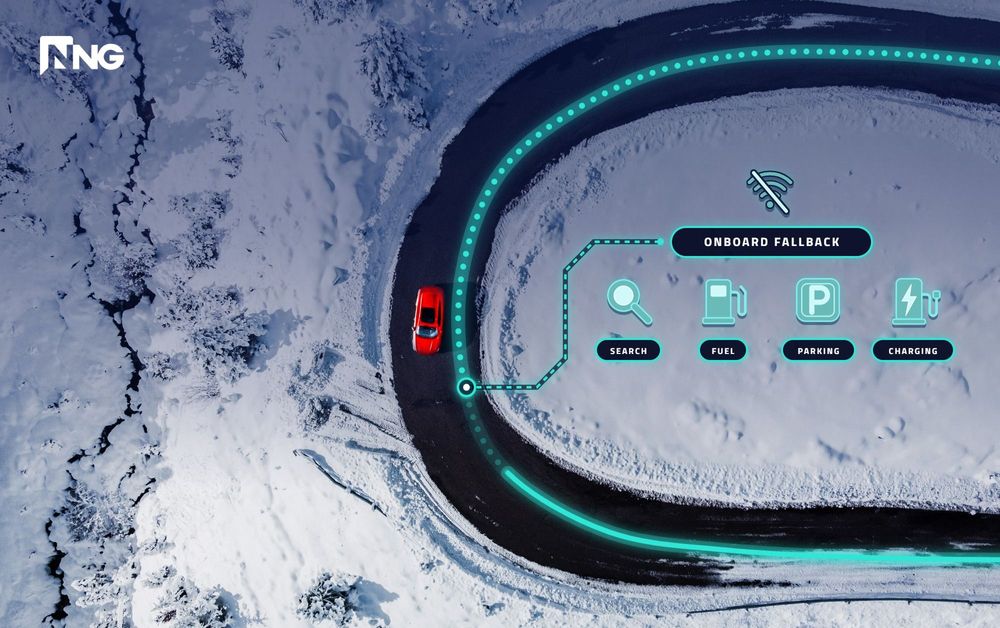
Onboard navigation comes first. Connected services add live information where a connection exists, and the application falls back to onboard or alternative data where one does.
What happens offline
Onboard fallback, built in
Online search, fuel, parking and charging station search switch to the content stored in the vehicle, in the same workflow the driver already uses.
Traffic with a second source
Where the project includes a broadcast receiver, traffic can come from broadcast instead of online, and route calculation falls back to historical traffic when no live feed is available.
Live values stay live
Prices, availability and vacancy come only from the online service. Offline fallback keeps the places and leaves out the live values, and weather is the one service that needs a connection.
Licensed and delivered per program
Which services a vehicle has, and for how long, is a program decision carried by licenses, with provisioning fitted to your manufacturing, sales and aftersales processes.
How services reach the vehicle
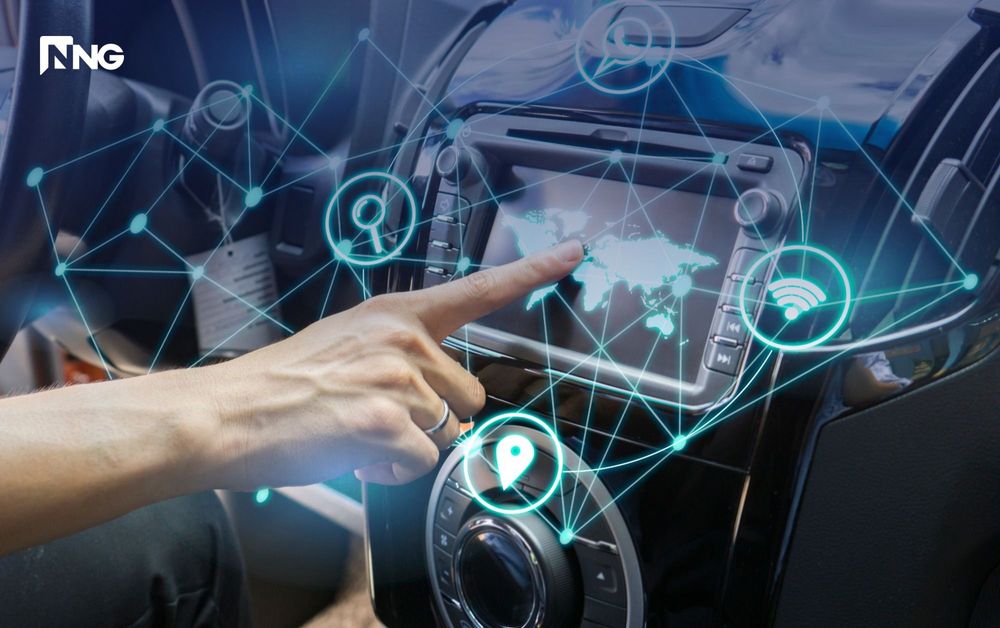
One license per service
Each connected service is a separately licensable item, enabled at manufacturing or by a license delivered later, so services can join the vehicle after the sale.
Subscriptions apart from maps
Service rights and map rights are kept separate. When a service subscription ends, the maps the vehicle is entitled to stay in place.
Fitted to your processes
In a connected program, licensing is adapted to your manufacturing, sales and aftersales processes. For example, your systems can pass the date of sale and the vehicle’s package to NNG’s backend, which replaces trial licenses with production licenses and synchronizes them in the vehicle.
Three reasons to choose connected services for your program
Answers at the moment of need
A fuel price before the exit, a free parking space before the destination, a vacant charger along the route. Six services, inside the navigation’s own screens.
Reliable in every coverage situation
Search, fuel, parking and charging fall back to onboard content when the connection drops, and traffic can fall back to historical traffic data. Guidance holds either way.
Chosen and licensed per program
Each service is a separately licensed item, enabled at launch or added later, so a program starts with the set it needs and grows into more.
Frequently asked questions
How much mobile data do connected services use?
Approximately 0.5 GB per year for search and traffic together, assuming around 1.5 hours of driving and ten searches a day. Large map updates can be restricted to Wi-Fi or dealer service.
What do drivers see without a connection?
Search, fuel, parking and charging keep working from onboard content, without live prices or availability. Traffic can come from a broadcast source where the vehicle has a receiver. Weather needs a connection.
Do the services need vehicle integration?
Configuration rather than integration: the fuel types for the vehicle model and the connector types the vehicle can use are set in the project. Each service then runs inside the navigation.
Can services be added after launch?
Yes. A license delivered later can enable a connected service, additional coverage or a map update, and a connected vehicle installs it when it synchronizes with NNG’s backend.
Let’s pick the services for your program
Six services, one backend, licensed one by one, with onboard fallback where the road loses its signal.
Ready to see them inside the navigation?
Related Products & Solutions



About NNG
NNG is a global automotive software company with over 20 years of experience in navigation, map production, and connected mobility. Our software runs on 60M+ devices in series production, and 11 of the 14 top automotive groups build on it, delivered as embedded, aftermarket, and mobile navigation on any platform.